Understanding Remote Desktop Solutions
In today's fast-paced digital world, remote desktop solutions have become paramount for businesses seeking flexibility and efficiency in their operations. With the rise of remote work, the need for reliable, secure, and user-friendly remote desktop software is more critical than ever. One of such software solutions is ToDesk, a comprehensive tool designed to cater to various remote access needs, from working from home to providing IT support across different geographical locations.
What is ToDesk and How Does It Work?
ToDesk is an innovative remote desktop software solution that enables users to access their computers and networks from virtually anywhere. Utilizing advanced technology, ToDesk allows for seamless connectivity between devices, ensuring that users can work efficiently regardless of their physical location. The software operates through a secure connection, providing users with an intuitive interface and easy access to their files, applications, and network resources.
The core functionality of ToDesk revolves around its simplicity and effectiveness. Users can quickly set up a remote session with just a few clicks, making it an ideal choice for both tech-savvy individuals and those new to remote work solutions. The software supports multiple operating systems, allowing users to connect from Windows, Mac, Linux, Android, and iOS devices. This cross-platform compatibility is one of ToDesk's standout features, ensuring that no matter the device, users can stay connected.
The Importance of Remote Desktop Software
As businesses continue to embrace remote work, the importance of reliable remote desktop software cannot be overstated. Here are a few critical reasons why remote desktop solutions like ToDesk are essential:
- Flexibility: Employees can work from anywhere, enabling a better work-life balance.
- Cost-Effective: Reduces overhead costs by minimizing the need for physical office space.
- Enhanced Collaboration: Teams can collaborate more effectively, regardless of their locations.
- Immediate Access to Resources: Employees can access necessary files and applications without delay.
Key Features of ToDesk: A Comprehensive Overview
ToDesk stands out in the crowded remote desktop software market due to its feature-rich platform designed to meet various user needs:
- End-to-End Encryption: ToDesk employs robust security measures, including end-to-end encryption, to protect user data during transmission. This ensures that sensitive information remains confidential and secure from unauthorized access.
- Low Latency and High Quality: Thanks to ToDesk's proprietary image compression technology, users experience minimal latency and high-quality visuals, even on slower internet connections.
- Cross-Platform Support: With compatibility across numerous operating systems, ToDesk allows users to connect effortlessly from their preferred devices.
- Multi-User Support: Users can easily collaborate by sharing their session with others, facilitating teamwork and troubleshooting.
Why Choose ToDesk for Your Remote Needs?
Security Features: End-to-End Encryption Explained
In an era where data breaches are rampant, security is a top concern for businesses and individuals alike. ToDesk prioritizes user security with its end-to-end encryption feature, which ensures that all data transmitted between devices is protected from potential eavesdroppers. This encryption transforms your sensitive information into an unreadable format, making it nearly impossible for anyone without the appropriate decryption key to access your data. Furthermore, ToDesk employs multi-layer authentication protocols, adding an additional layer of security to your sessions and ensuring that only authorized users have access to your remote desktop.
Performance Benefits: Low Latency and High Quality
When it comes to remote desktop software, performance can significantly impact user experience. ToDesk’s self-developed image compression algorithm provides optimal performance, allowing for low latency and high-quality visual output. This means that users can engage in activities such as video conferencing or graphic design seamlessly, even under subpar network conditions. The ability to maintain a smooth experience helps businesses maintain productivity and focus on their tasks without frustrating interruptions.
Cross-Platform Compatibility: Accessible from Any Device
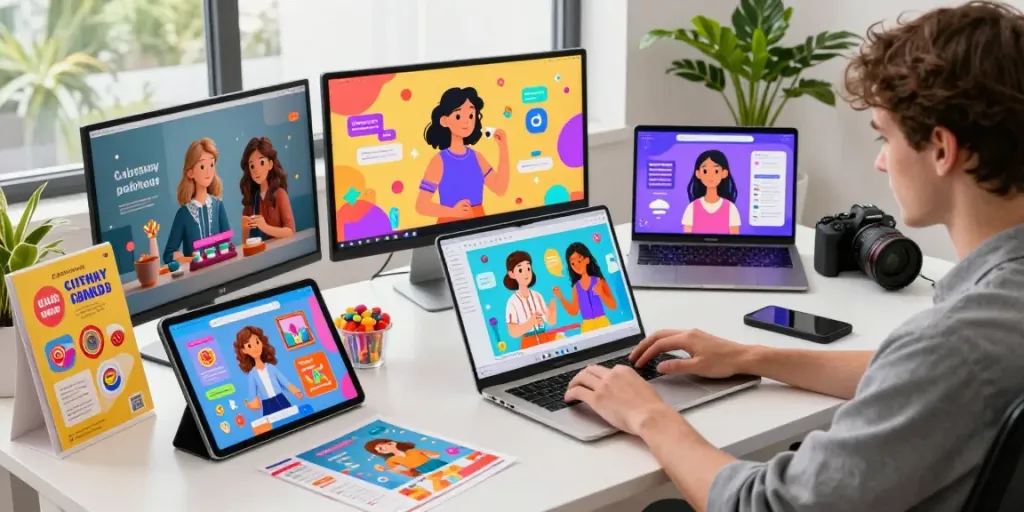
ToDesk’s cross-platform compatibility ensures that users can access their remote desktops from virtually any device. Whether you are on a laptop, tablet, or smartphone, ToDesk provides a unified experience that allows users to connect, monitor, and manage their work easily. This versatility is particularly beneficial in today's mobile work environment, where employees often switch between devices. With ToDesk, the transition is smooth, and productivity remains consistently high.
Real-World Applications of ToDesk
Enhancing Remote Work Efficiency for Professionals
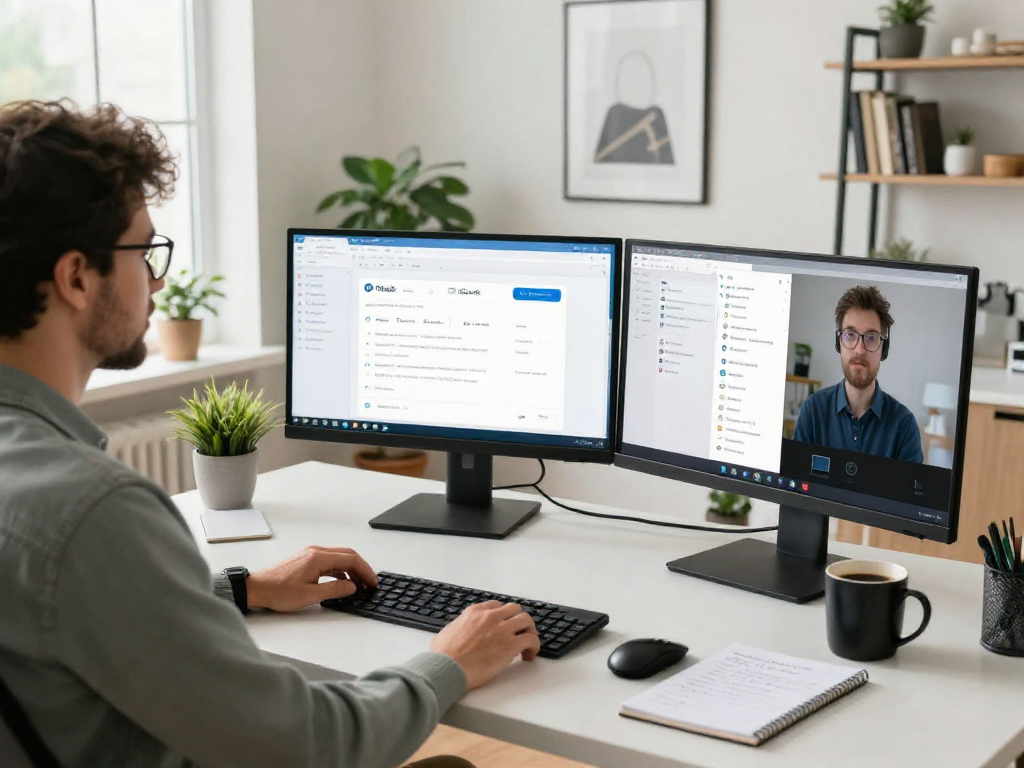
ToDesk plays a vital role in enhancing remote work efficiency, especially for professionals who require reliable access to office resources. For instance, employees can log into their office computers from home, ensuring they can access files and applications needed to complete their tasks. This capability minimizes time waste in commuting and maximizes productive working hours. Teams can collaborate in real-time, utilizing shared access to work on projects simultaneously, regardless of their physical locations.
IT Support: Managing Remote Maintenance Effectively
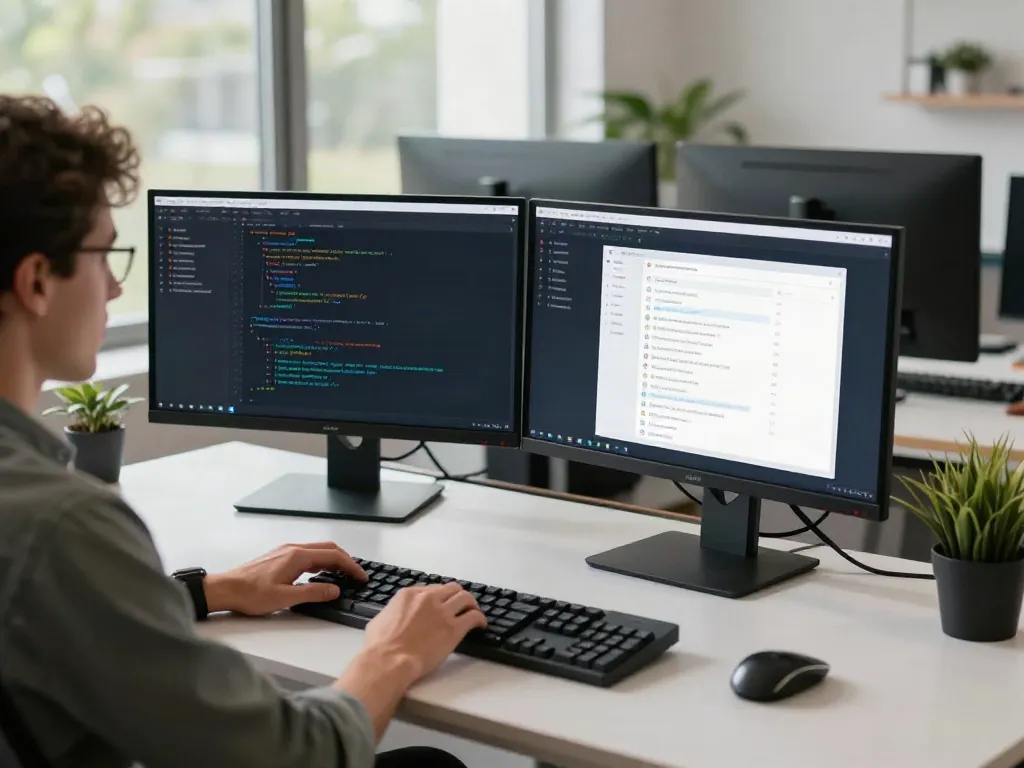
For IT professionals, ToDesk is an indispensable tool for managing remote maintenance. With the software, IT technicians can troubleshoot and resolve issues on users’ devices without needing to be physically present. This not only speeds up the resolution time but also reduces travel costs associated with on-site visits. Furthermore, IT departments can monitor systems and perform regular maintenance checks, ensuring that all devices remain operational and secure.
Providing Technical Support to Friends and Family
ToDesk is also ideal for providing technical support to friends and family. Whether they are struggling with software issues, connectivity problems, or basic troubleshooting, users can easily connect to their loved ones' devices to help resolve issues quickly. This feature fosters a sense of community and support, particularly for those who may not be tech-savvy. By leveraging ToDesk, users can offer immediate assistance, making technology more accessible for everyone.
User Experiences: Testimonials and Reviews
IT Managers' Insights on Using ToDesk
IT managers who have adopted ToDesk often praise its user-friendly interface and robust features. Many have reported increased efficiency in service delivery and a noticeable reduction in resolution times for IT support issues. By enabling quick access to devices, ToDesk has allowed IT departments to enhance their responsiveness to user needs, fostering a more productive workflow throughout the organization.
Feedback from Technical Support Engineers
Technical support engineers have shared their appreciation for ToDesk's seamless connection capabilities. They find it invaluable for remote troubleshooting, allowing them to assist clients efficiently. The ability to view and control a remote device enhances the diagnostic process, leading to faster resolutions and satisfied customers. Moreover, engineers benefit from the high-quality video and audio that ToDesk provides, which are essential for detailed troubleshooting.
Financial Controllers: Improving Workflow with ToDesk
Financial controllers have also recognized the utility of ToDesk in streamlining workflows. With the ability to access financial data securely and remotely, they can perform their tasks without delay. This flexibility is crucial during peak periods, such as end-of-quarter reporting or financial audits, where quick access to data can make a significant difference in meeting deadlines. ToDesk’s efficiency tools empower financial teams to work collaboratively and effectively, regardless of location.
Common Questions About ToDesk
How Secure is ToDesk Compared to Other Software?
ToDesk stands out in terms of security due to its comprehensive encryption protocols and multi-factor authentication features. Compared to many other remote desktop solutions, ToDesk offers advanced security measures that ensure your data remains protected during remote sessions. Its commitment to user privacy and data protection makes it a trustworthy choice for both personal and professional use.
What are the System Requirements for Using ToDesk?
ToDesk is designed to be lightweight and accessible. Generally, it can run on standard hardware configurations that meet the requirements of Windows, Mac, Linux, Android, and iOS operating systems. Users should have a stable internet connection for optimal performance, but ToDesk's design allows it to function well even in varying network conditions.
Can ToDesk be Used for Remote Server Monitoring?
Yes, ToDesk is effective for remote server monitoring. IT professionals can use it to check server statuses, perform maintenance tasks, and resolve issues in real-time. This capability ensures that businesses maintain high levels of operational continuity, minimizing downtime and ensuring that critical services remain available to users.
How to Get Started with ToDesk?
Getting started with ToDesk is simple. Users need to download the application from the official website, install it on their device, and create an account. Once set up, users can invite others to join their session or connect to remote machines easily. The interface is designed to be intuitive, making it easy for new users to navigate and utilize all available features effectively.
What Are the Customer Support Options Available?
ToDesk offers various customer support options to assist users with any queries or issues they may encounter. Users can access a comprehensive FAQ section on the website, reach out through email support for technical assistance, or explore community forums to connect with other users. This robust support system ensures that users never feel alone while navigating their remote desktop experience.